The installed programs are started automatically when the host is booted
Windows - This is done by the services saphostcontrol and saphostexec
Unix - The automatic start is ensured by the startup script sapinit
Ø Important Services
saphostexec - life-cycle management processes, using for upgrade and installation. Runs under root user in Unix & Administrator user in Windows.
saphostacontrol - monitors hosts, runs under sapadm user
saposcol - saposcol is a stand-alone program that runs in the operating system background. It runs independently of SAP instances exactly once per monitored host. saposcol have following features,
- Usage of virtual and physical memory
- CPU utilization
- Utilization of physical disks and file systems
- Resource usage of running processes
Ø Executable
UNIX - /usr/sap/hostctrl/exe
Windows - %ProgramFiles%\SAP\hostctrl\exe
Ø Profile File
The profile parameters of SAP Host Agent are stored in the host_profile file. This file is located in the executable directory of the SAP Host Agent.
Ø Work Directory
UNIX - /usr/sap/hostctrl/work
Windows - %ProgramFiles%\SAP\hostctrl\work
Ø Log Files
The following log files are created during runtime for SAP Host Agent. They are available in the working directory.
sapstartsrv.log - Contains the developer trace for sapstartsrv
dev_saphostexec - Contains the developer trace for saphostexec
sapstartsrv_ccms.log - This log file is for central monitoring. It is stored in subdirectory sapccmsr of the working directory
dev_sapdbctrl- Contains the developer trace for sapdbctrl
Ø saphostexec commands
saphostexec -help
Lists all command line options of saphostexec with documentation
saphostexec -status
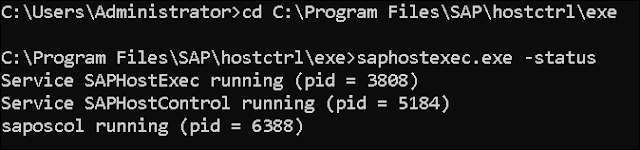
Returns the status of SAP Host Agent
saphostexec -version
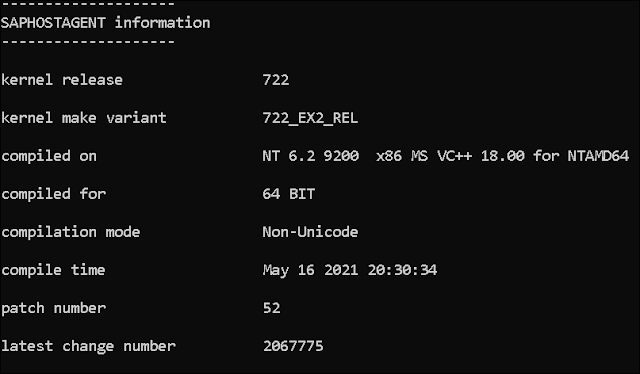
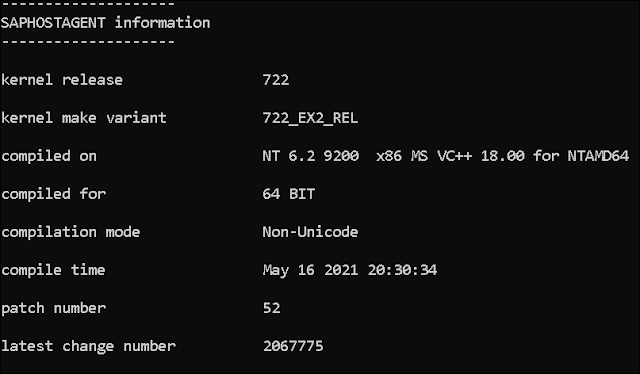
Returns the version of SAP Host Agent with detailed information
saphostexec -restart
Starts or restarts SAP Host Agent
saphostexec -stop
Stops a running SAP Host Agent
saphostexec -uninstall
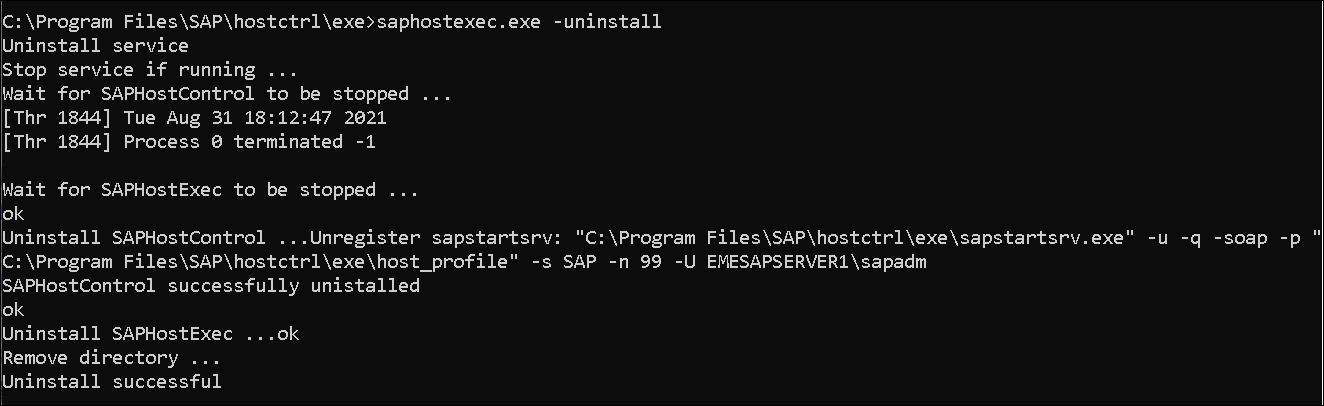
Uninstalls SAP Host Agent
saphostexec -install
Installs SAP Host Agent
saphostexec -upgrade
Upgrades SAP Host Agent
Use the additional parameter -verify for Install & upgrade options to verify the content of the installation package against the SAP digital signature
Also use -archive option while executing saphostexec from hostctrl directory of the existing SAP Host Agent installation, you use the -archive parameter to provide the direct path to the archive with the required target release version without manually extracting the archive before.






 Host agent will install now,